



オルクログ BLOG
2026.10.29
4K Video Camera Rental
PXW-Z90 Rental | How Long One 64GB Card Records, and How to Choose SD Cards
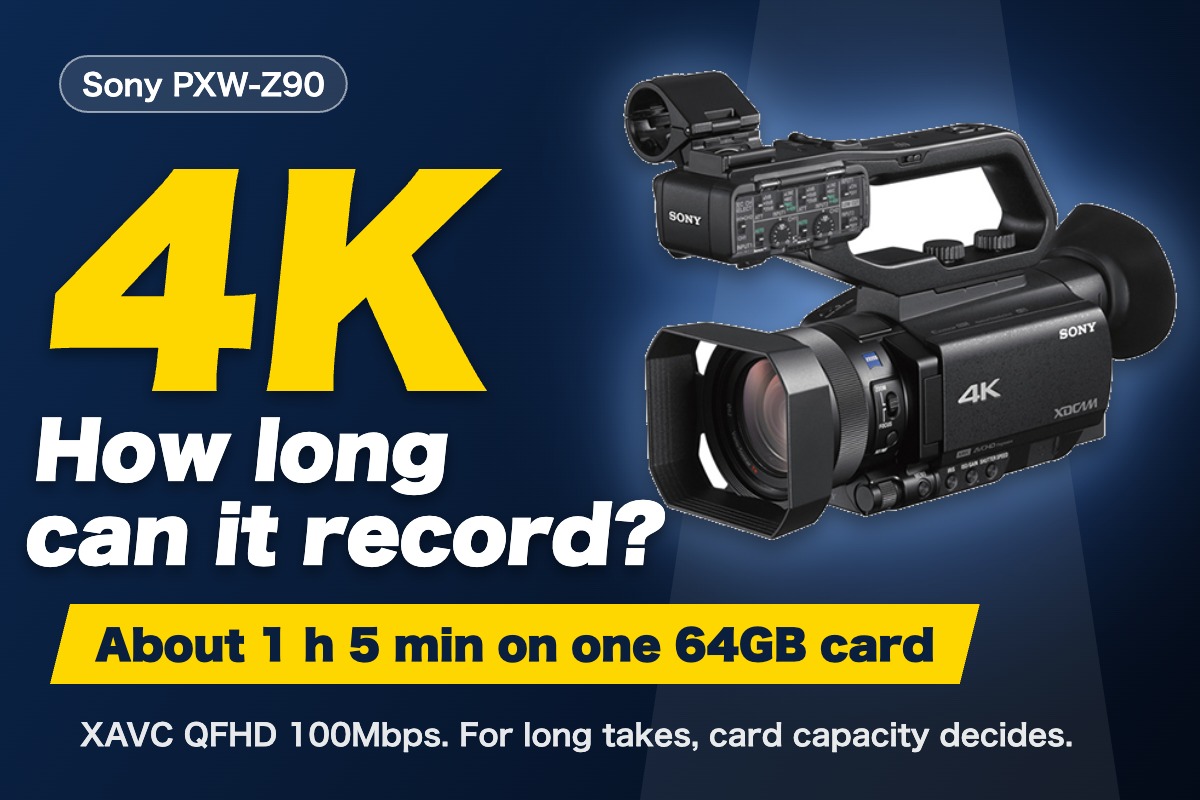
“How long can the PXW-Z90 record on one card?” In rental inquiries, this is worth settling as early as the number of units or the handover. If you are delivering in 4K, the standard recording setting is XAVC QFHD at 100Mbps. At that setting, the supplied 64GB SDXC card records about 1 hour 5 minutes. For shoots that run longer, card capacity decides.
- Recording times for the PXW-Z90 (the table on the product page: 64GB and 128GB)
- Which SD card capacity to choose for long takes, and estimated times at 4K 100Mbps
- Using the two card slots to protect your footage, and how to power the camera
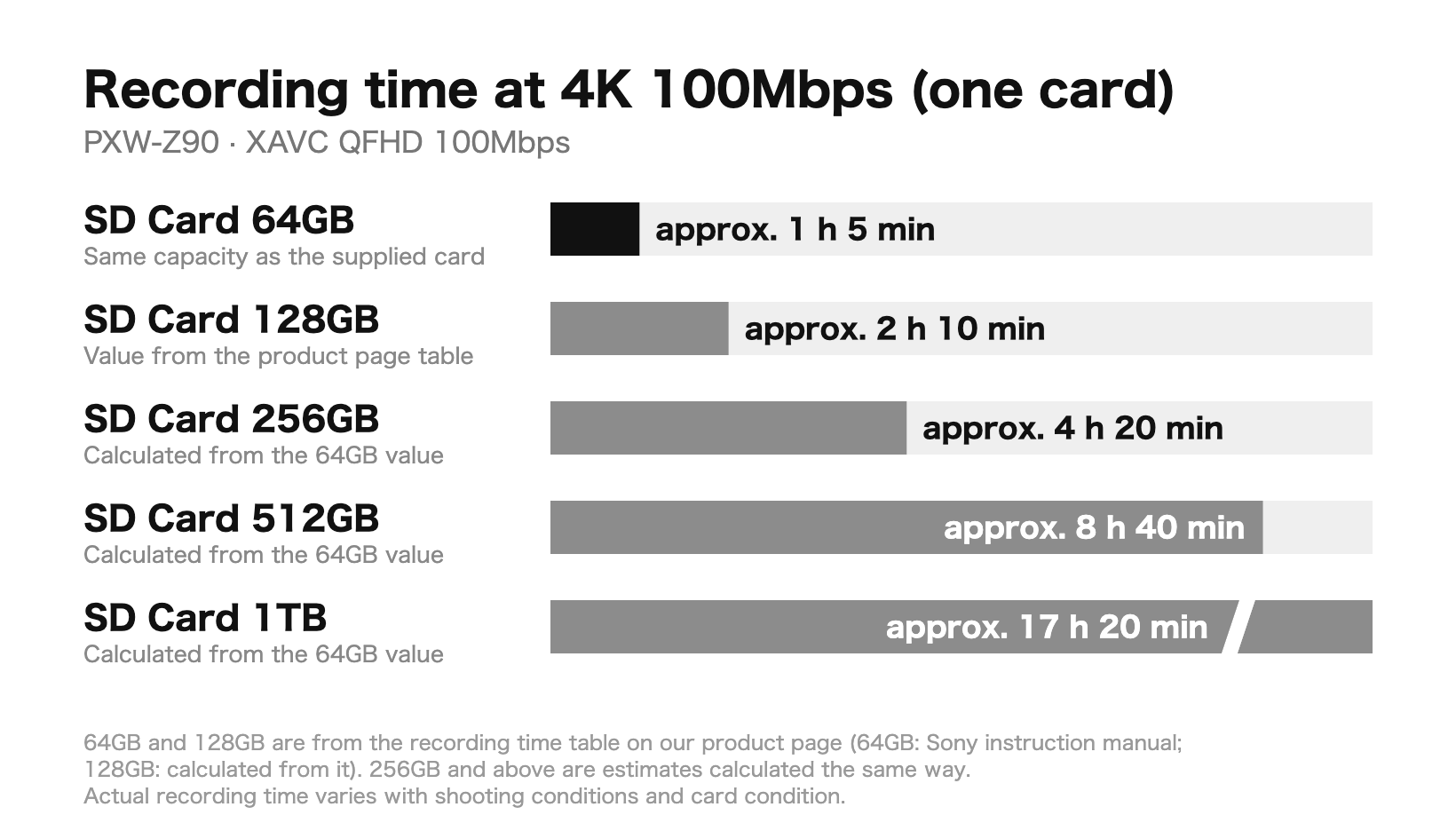
Conclusion: at 4K 100Mbps, one 64GB card gives about 1 hour 5 minutes, and card capacity decides the length
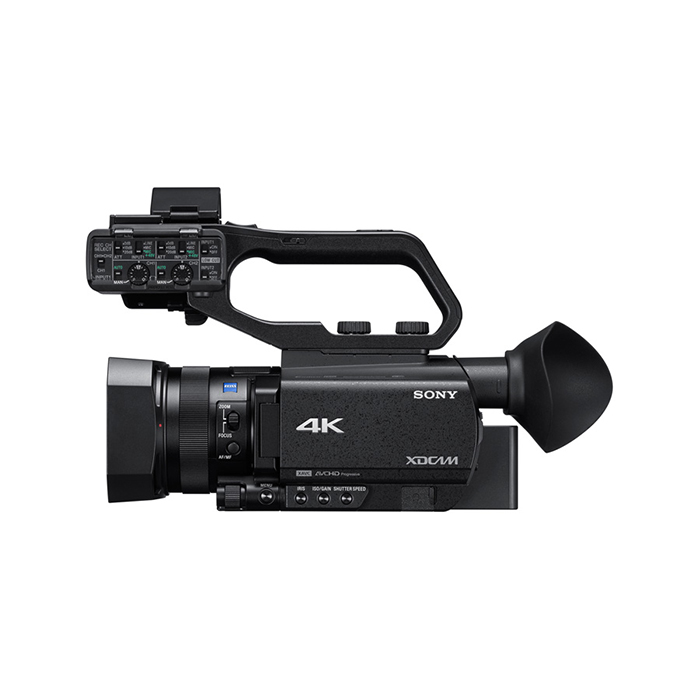
PXW-Z90 [Wide Conversion Lens Included] is a 4K video camera with a 1.0-type Exmor RS CMOS sensor. According to the product page specifications, it shoots high-resolution 4K (3840x2160) video, and its recording formats range from 4K XAVC Long GOP to Full HD AVCHD. Autofocus is Fast Hybrid AF, which responds quickly to sudden subject movement and scene changes. It also supports HDR shooting, producing footage with a wide dynamic range from highlights to shadows. It is one of the cameras most often rented at OLQ.
If you are delivering in 4K, XAVC QFHD at 100Mbps is the standard setting. In the recording time table on the product page, one 64GB SD card gives about 1 hour 5 minutes. At 60Mbps, still in 4K, this extends to about 1 hour 40 minutes, but if you want to record longer without lowering image quality, the remaining lever is card capacity: about 2 hours 10 minutes on 128GB, about 4 hours 20 minutes on 256GB, about 8 hours 40 minutes on 512GB, and about 17 hours 20 minutes on 1TB. Double the capacity, and the recording time doubles.
The figures in this article come from the recording time table on our product page. The 64GB values in the table are from Sony’s instruction manual, and the 128GB values are calculated from the 64GB values. The figures for 256GB and above are estimates calculated the same way from the 64GB values. Recording times are approximate; actual times vary with shooting conditions and card conditions.
There is one more condition noted on the product page: recording at 4K 100Mbps requires an SDXC card (U3). The five cards listed in this article (Extreme PRO UHS-I V30, 64GB to 1TB) support U3 according to SanDisk’s published specifications. On the other hand, the Ultra UHS-I (U1) cards intended for Full HD video do not meet U3 even at the same capacity and cannot be used for 4K 100Mbps. If you plan to use your own cards, please check this point first.
Here are some specifications that matter on set. A wide conversion lens and its hood are included, and the filter diameter is 62mm. In places where you cannot step back, such as a small meeting room or inside a car, you can widen the angle of view without going back for another lens. There is also a NightShot function that turns on an infrared light so you can shoot in complete darkness; it works only when the AUTO/MANUAL switch is set to AUTO (remove the supplied lens hood when using it; using NightShot in bright places can cause a malfunction). The kit also includes a camera microphone, a remote control, an eyecup and a rain cover.
Recording time table (64GB and 128GB)
Here is the recording time table from the product page, as it is.
| Recording format | Frame rate | Recording setting | 64GB | 128GB |
|---|---|---|---|---|
| XAVC QFHD (4K) | 30p/24p | 100M | approx. 1 h 5 min | approx. 2 h 10 min |
| XAVC QFHD (4K) | 30p/24p | 60M | approx. 1 h 40 min | approx. 3 h 20 min |
| XAVC HD | 60p/60i/30p/24p | 50M | approx. 2 h | approx. 4 h |
| XAVC HD | 60p/60i/30p/24p | 35M | approx. 2 h 50 min | approx. 5 h 40 min |
| XAVC HD | 60i | 25M | approx. 3 h 40 min | approx. 7 h 20 min |
| AVCHD | 60p | PS | approx. 5 h 5 min | approx. 10 h 10 min |
| AVCHD | 60i/30p/24p | FX | approx. 6 h | approx. 12 h |
| AVCHD | 60i/30p/24p | FH | approx. 8 h 15 min | approx. 16 h 30 min |
| AVCHD | 60i | LP | approx. 25 h 40 min | approx. 51 h 20 min |
XAVC QFHD records in 4K (3840x2160); XAVC HD and AVCHD record in Full HD (1920x1080, except AVCHD LP at 1440x1080). If you are delivering in 4K, use the top two rows; if Full HD is enough, you can also choose from the lower rows. When a client does not want a two-hour lecture in 4K 100Mbps to be interrupted, this is where card capacity comes in.
For long takes, use one high-capacity card
The supplied SDXC card is a single 64GB card. At 4K 100Mbps, it records about 1 hour 5 minutes, so for anything longer, the most reliable approach is to prepare one high-capacity card from the start. Here are the SanDisk Extreme PRO SD cards that OLQ rents out, with estimated times at 4K 100Mbps.
- SD Card 64GB [Extreme PRO UHS-I V30]: approx. 1 h 5 min (same capacity as the supplied card)
- SD Card 128GB [Extreme PRO UHS-I V30]: approx. 2 h 10 min
- SD Card 256GB [Extreme PRO UHS-I V30]: approx. 4 h 20 min
- SD Card 512GB [Extreme PRO UHS-I V30]: approx. 8 h 40 min
- SD Card 1TB [Extreme PRO UHS-I V30]: approx. 17 h 20 min
OLQ has confirmed on an actual camera that the 1TB card works in the PXW-Z90. Running on one high-capacity card means fewer stops to swap cards during the shoot, and less time searching for files when ingesting.
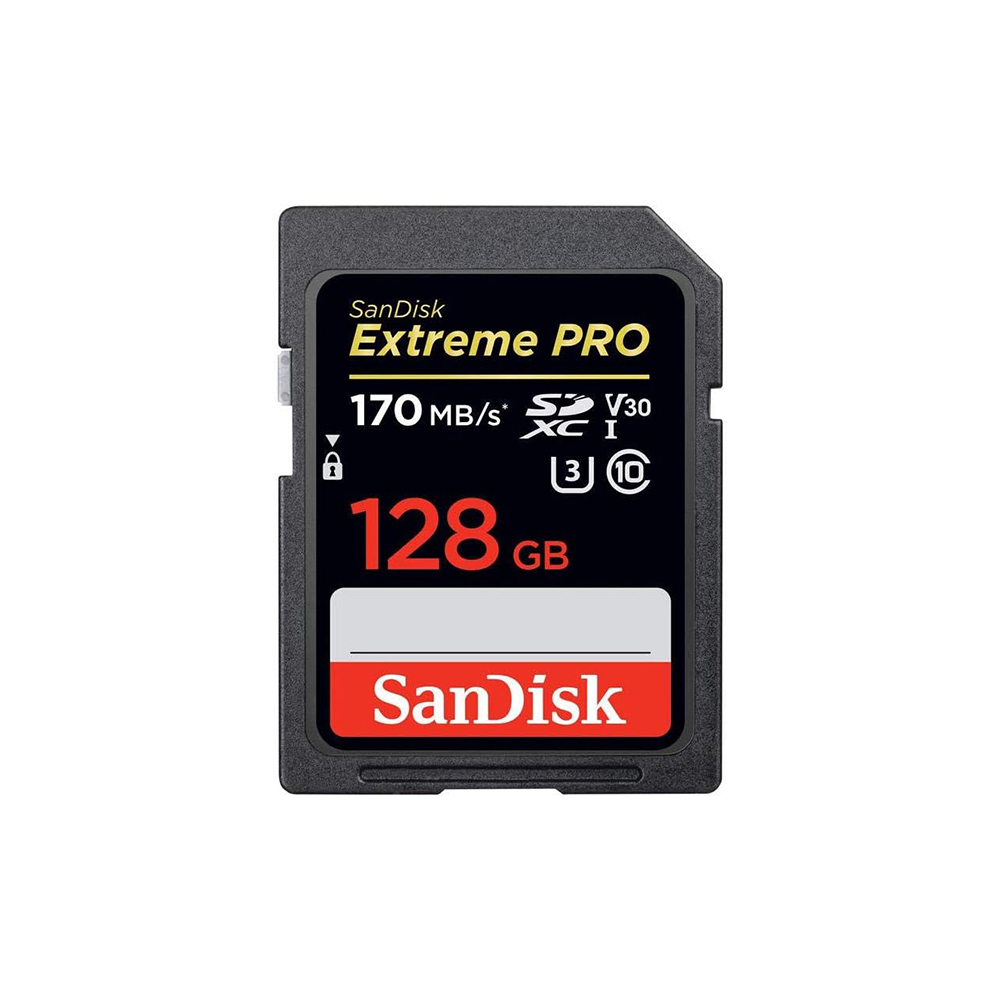
As for speed, the product pages for the 64GB, 128GB, and 256GB cards list a maximum shooting speed of 170MB/s. All five cards offer the performance to shoot high-resolution, uninterrupted 4K UHD video, and are temperature-proof, waterproof, shockproof, and X-ray-proof.
Two card slots: record to both cards at once to protect your footage
According to the product page specifications, the PXW-Z90 accepts SD cards (SD/SDHC/SDXC) and Memory Stick PRO Duo (AVCHD only), and has two memory card slots. It can record the same footage to two cards at once, so even if one card fails, your footage remains.
Simultaneous recording is what OLQ recommends for the second slot. For recordings that cannot be retaken, such as ceremonies, lectures and interviews, a card failure means lost footage.
Simultaneous recording writes the same footage to both cards, so the recording length stays at one card’s worth. In other words, length is still decided by card capacity. If you pair it with the supplied 64GB card, a second SD Card 64GB [Extreme PRO UHS-I V30] gives about 1 hour 5 minutes. If you also need length, prepare two cards of the same capacity (two SD Card 128GB [Extreme PRO UHS-I V30] cards give about 2 hours 10 minutes). Tell us the recording length when you inquire, and we will work out the capacity and number of cards for you.
Power: AC cable, DK cable, and a spare NP-FV100
Cards are not the only thing that stops a long take; batteries do too. The recordable length is set by whichever runs out first, the card or the battery. On battery-powered shoots, first check whether the batteries can cover the card’s recording time (run time varies with use).
The PXW-Z90 kit includes two NP-FV100 batteries and a dual charger. An AC cable and a DK cable are also included, so for long stationary recordings you can keep the camera plugged into power. OLQ has confirmed this.
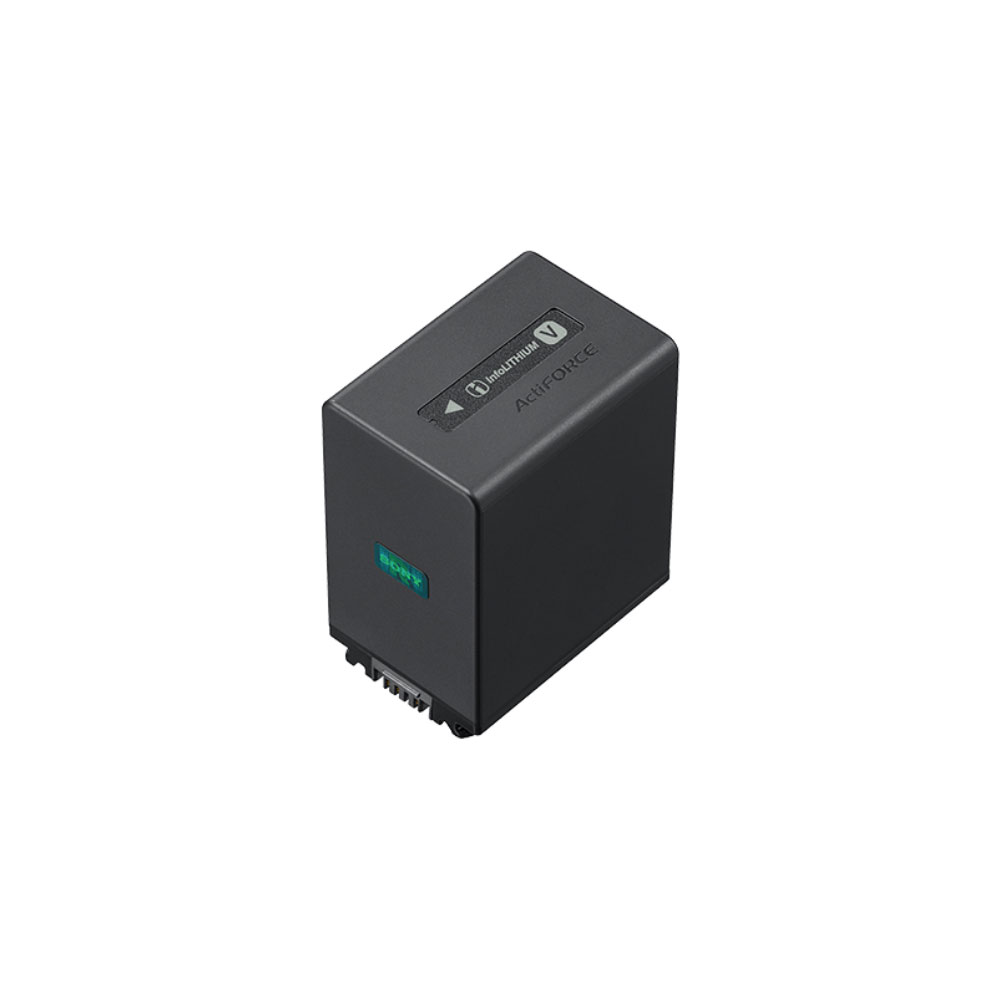
On battery-powered shoots where you want to record for the full length of the card, the reliable approach is to add a spare of the same model. The product page for NP-FV100 lists the PXW-Z90 among its compatible models (others include the PXW-X70, HXR-NX70J, HXR-NX30J, FDR-AX60 and HXR-MC1). It is Sony’s so-called “V battery” and the same model as the two supplied, so you can rotate charging with the supplied dual charger. Because it only works with specific cameras, please check the compatible models if you use a different camera.
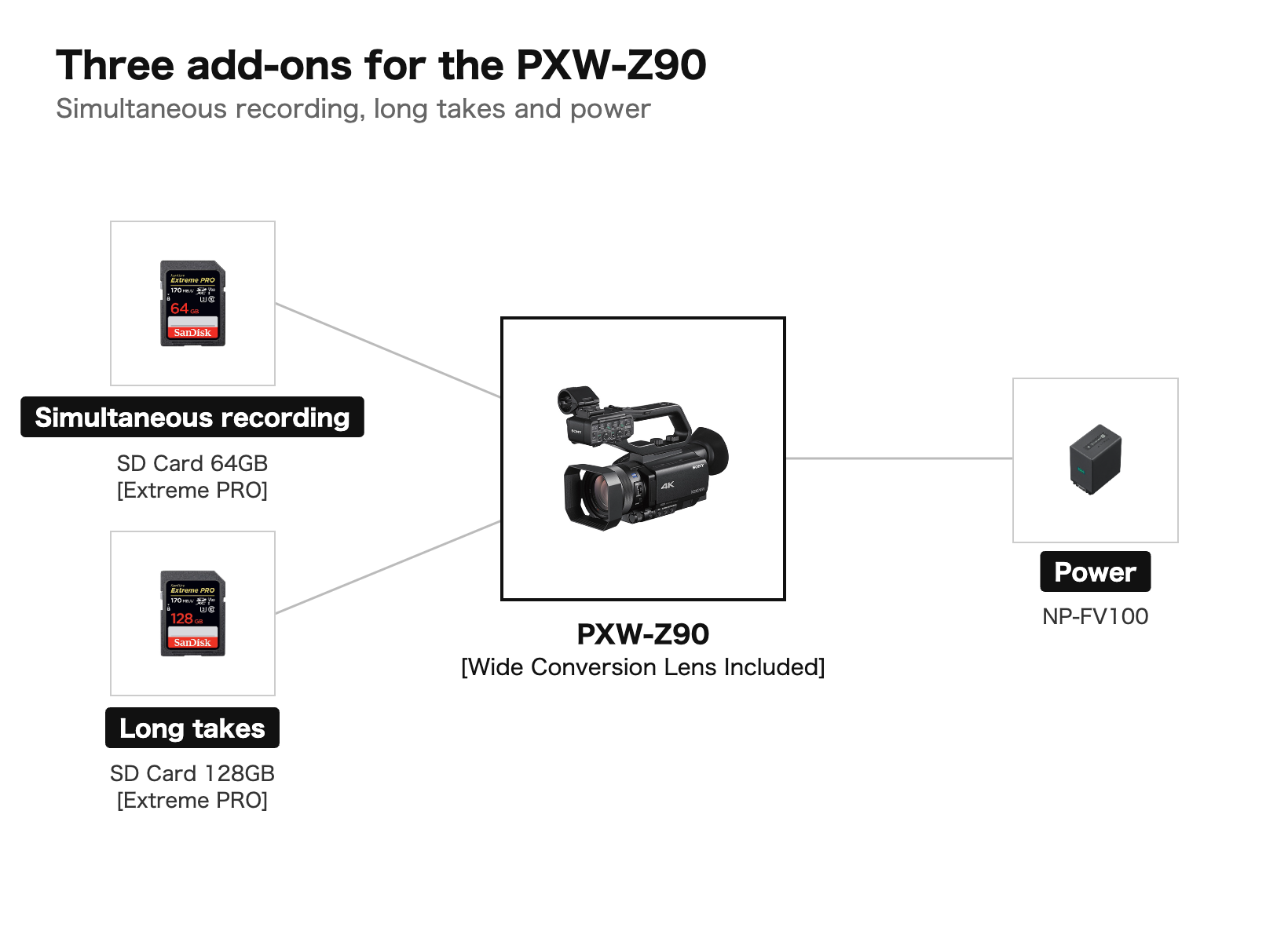
To sum up: at 4K XAVC QFHD 100Mbps, one 64GB card gives about 1 hour 5 minutes. For longer recordings, use one high-capacity card (about 2 hours 10 minutes on 128GB, about 17 hours 20 minutes on 1TB); to protect footage, record to two cards at once; and add a spare NP-FV100 of the same model. Decide these three things in advance, and you will spend less time worrying about cards and batteries on set.
Equipment featured in this article
- PXW-Z90 [Wide Conversion Lens Included] (Sony / XDCAM)
- SD Card 64GB [Extreme PRO UHS-I V30] (SanDisk / Media)
- SD Card 128GB [Extreme PRO UHS-I V30] (SanDisk / Media)
- SD Card 256GB [Extreme PRO UHS-I V30] (SanDisk / Media)
- SD Card 512GB [Extreme PRO UHS-I V30] (SanDisk / Media)
- SD Card 1TB [Extreme PRO UHS-I V30] (SanDisk / Media)
- NP-FV100 (Sony / V battery)
We also welcome inquiries about dates and combinations. Tell us the recording setting and the length of the shoot, and we will work out the card capacity, the number of cards, and even the number of batteries with you.